First-time creators
A beginner has a scene in mind but is unsure which visual details to include. They can draft the subject, setting and mood before seeking an image.
A written starting point makes later revisions easier to explain and compare.
The basics
An image generator is software that creates or changes pictures in response to an input, often a written description called a prompt. The description guides the result, but it does not specify every pixel. That is why two attempts with similar words can produce different images. An image prompt generator has a different job: it helps you write the instructions rather than making the picture itself.
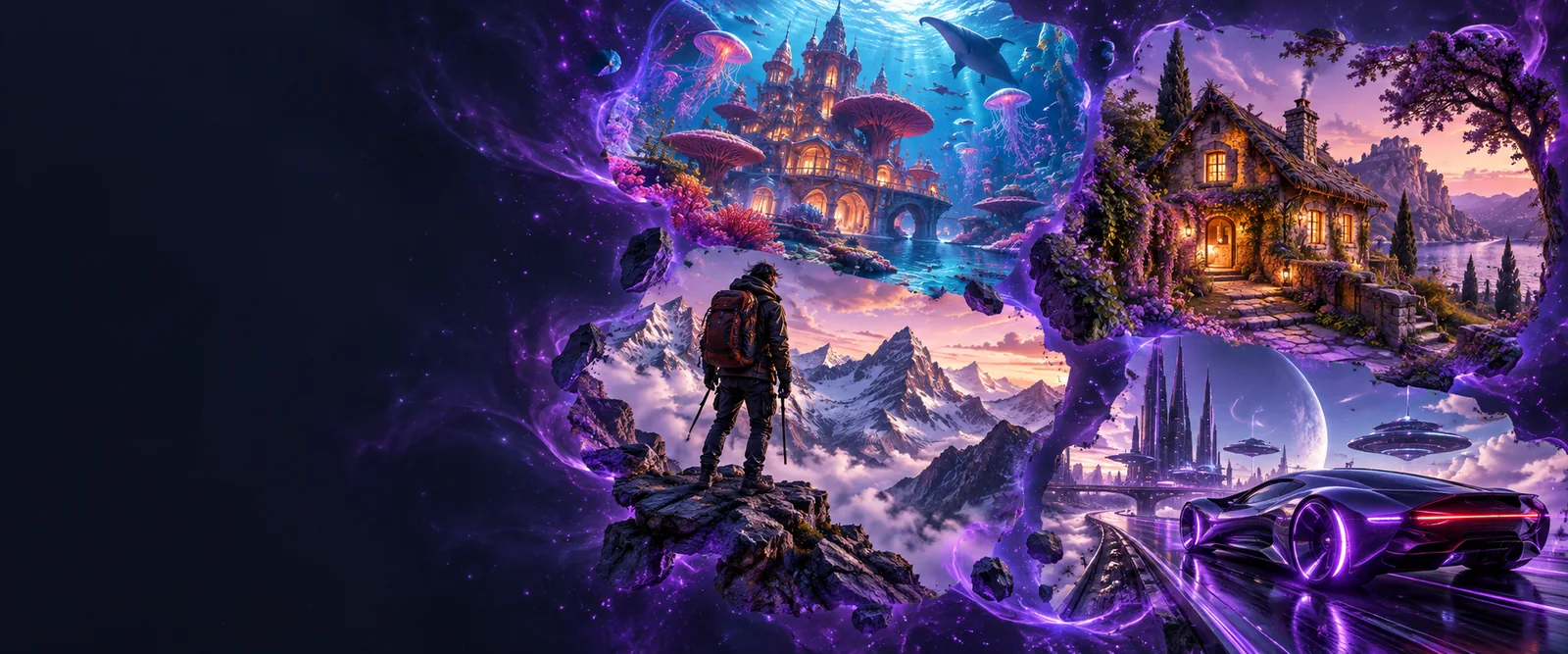
The distinction is simple: a prompt describes a desired picture; an image generator attempts to create it. An image prompt generator can help make that description more specific before you use it.
Most text-led workflows follow three broad stages. The details vary by system, so this explains the process rather than promising a particular tool or control.
Write a subject and a few useful constraints, such as setting, lighting, viewpoint or visual style. An image prompt generator can help organize these details, but a short prompt can also be entered directly.
An image generator processes the words using patterns learned during training. It makes choices about composition and appearance where the description leaves room for interpretation; it does not retrieve one guaranteed matching picture.
Check whether the result matches the intended subject and relationships. If not, change the wording or try another output. Clearer instructions can improve direction, but no phrasing guarantees perfect fidelity.
An image generator can turn a visual idea into a picture and offer directions to explore. It cannot promise that every object, word, physical detail or factual claim in the result is correct.
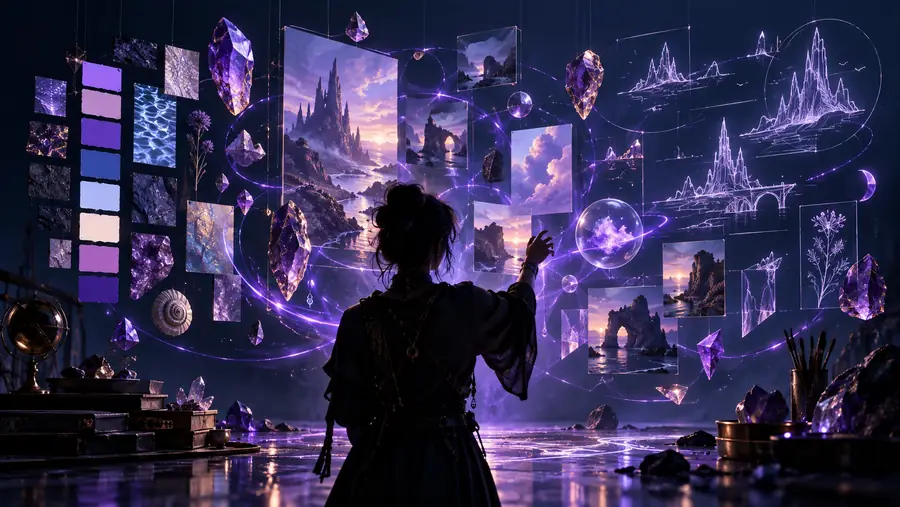
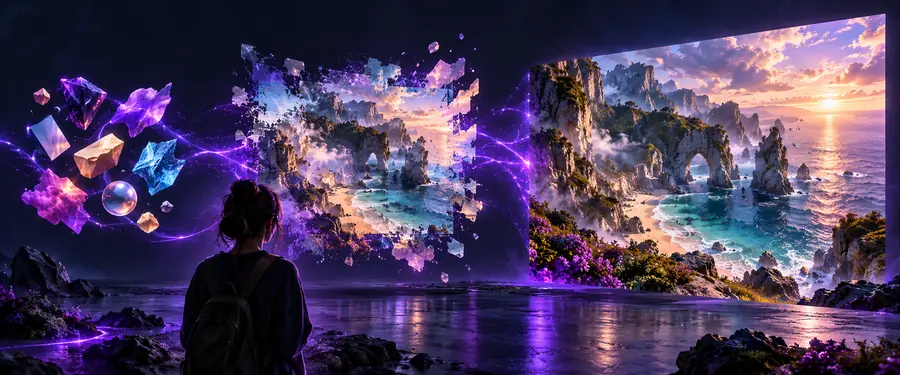
These images illustrate two stages, not a documented before-and-after result from one prompt. Always inspect the actual output rather than assuming the description was followed exactly.
Describe an ideaReview an imagePeople use generated images to explore ideas before committing to a final design. The strongest workflow still includes human judgment about accuracy, suitability and rights.
A beginner has a scene in mind but is unsure which visual details to include. They can draft the subject, setting and mood before seeking an image.
A written starting point makes later revisions easier to explain and compare.
A team needs several directions for a concept discussion, not a finished asset. They can compare variations in composition and tone.
Documenting each direction helps the team discuss what to keep, reject or develop.
An editor needs to describe the kind of illustration that would suit an article. A specific brief can name the subject and intended context.
A clearer brief helps reviewers identify mismatches before an image is published.
The names sound alike, but their outputs differ. This comparison describes the roles of the tools, not the features of any particular service.
| Image generator | Image prompt generator | |
|---|---|---|
| Primary output | A new or modified picture. | Words intended to guide picture creation. |
| Typical input | A text description, sometimes with an image. | An idea, rough description or reference. |
| Main purpose | Visualize a described idea. | Clarify and structure the description. |
| What you review | Composition, details and visual accuracy. | Clarity, relevance and unwanted assumptions. |
| Common revision | Generate another result or change the input. | Edit the wording before using it. |
| Key limitation | The picture may not follow every instruction. | Better wording cannot guarantee a better picture. |
If your idea is still vague, write down its subject, setting and one or two defining visual details. An image prompt generator can help shape those notes into a clearer brief. When you use that brief with an image generator, treat the result as something to review and revise, not as proof that every requested detail is present.
It is software that creates or changes pictures in response to an input, commonly a text description. The resulting image is an interpretation of that input, so its details may differ from what you imagined.
No. An image prompt generator helps produce the written instructions for a picture, while an image generator produces the picture. You can use a prompt helper before an image-making tool, but neither step guarantees an exact result.
Many accept a description of the desired scene; some workflows also use a reference image. State the subject first, then add only the setting, style or composition details that matter to your goal.
Not reliably. It can interpret visual directions, but it may omit objects, distort details or render text inaccurately. Review the picture itself and revise the instructions when the result misses an important requirement.