

Words to visuals

Shape an idea with a text to image prompt generator

A text to image prompt generator helps you express a visual idea as a more specific image brief. Start with the subject, then add the setting, composition, lighting, and details you care about most.

Free to start · no signup
Image Prompt landing visual

A/B structural difference table

A short brief names the idea. A structured prompt makes choices about how that idea should appear. Drag across these portrait references to compare two distinct lighting directions.

Portrait reference with warm golden lighting Portrait reference with neon-colored lighting

Warm-light direction

These are visual references, not a verified before-and-after generated from the same input. The comparison illustrates why a lighting instruction can matter.

Neon-light direction

What conversion loses

Turning text into an image prompt requires interpretation. The words you leave open may become visual decisions you never intended.

Illustrator

A character brief says “friendly traveler” but says nothing about age, clothing, or viewpoint.

Keep those choices explicit when consistency matters. If the starting point is a reference picture instead, the image to prompt ai page explains how to describe what is visible.
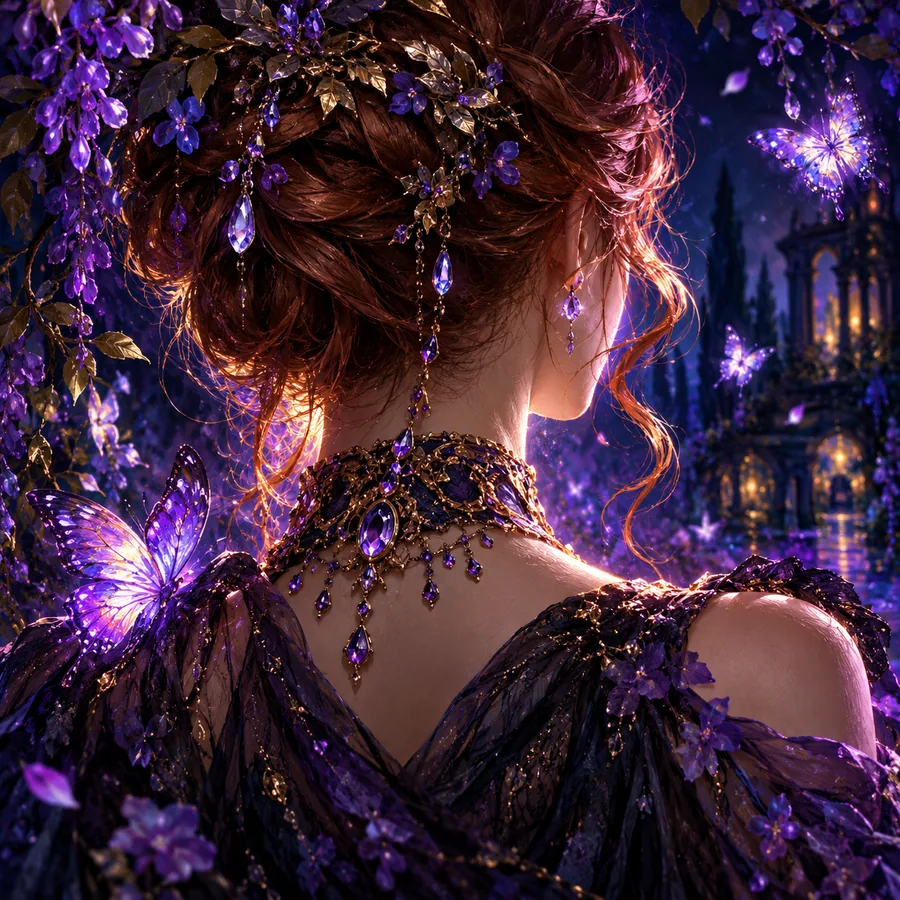
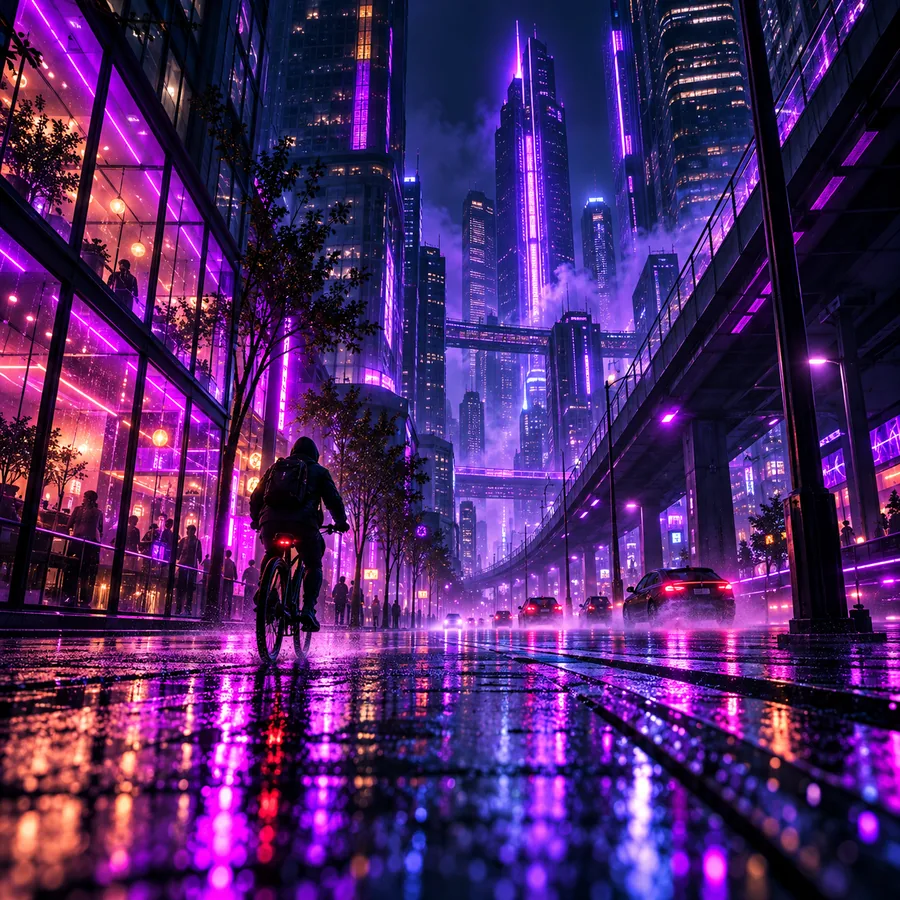
image to prompt ai

Product marketer

A campaign idea names the product and mood but omits the background and placement of the product.

Specify the framing before testing variations. The image to prompt ai guide covers the reverse task of extracting descriptive language from a visual reference.

image to prompt ai

Game designer

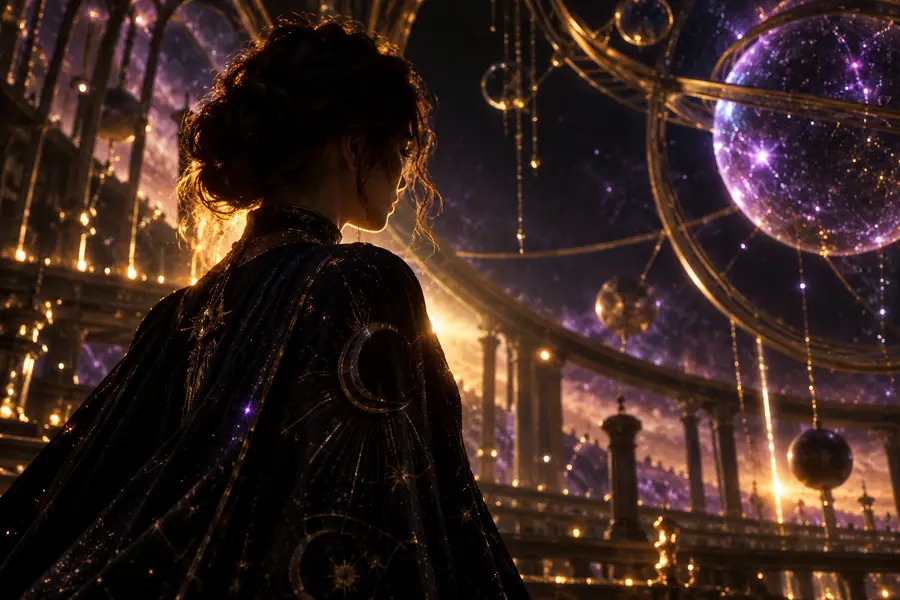
A location note describes an abandoned observatory without identifying the focal point or time of day.

Name the must-see features first. The image to prompt ai page is useful when an existing scene, rather than a written note, is the source material.

image to prompt ai

The tool block

Use this side-by-side check before submitting a text to image brief. A structured prompt should clarify the original idea, not bury it under decorative terms.

Loose text brief Structured image prompt
Subject A teapot A cream ceramic teapot with a curved handle
Setting In a kitchen On a windowsill beside a rain-streaked pane
Composition Unspecified Close-up view with the teapot as the focal point
Lighting Unspecified Soft morning light from the window
Color Unspecified Muted blue and cream palette
Priority Every detail has equal weight Subject and framing appear before optional atmosphere
Revision Rewrite the whole idea Change one named attribute while keeping the rest

How to verify after

Read the proposed prompt against your original brief, then inspect any resulting image separately. A well-written prompt does not guarantee that an image model will follow it.

1

It cannot recover unstated intent

A text to image prompt generator cannot know which details you imagined but never wrote down.

What to do instead

Add the nonnegotiable subject, setting, and viewpoint to your input.

2

It cannot guarantee visual accuracy

An image may miss a requested object, relationship, or exact arrangement even when the prompt states it clearly.

What to do instead

Check the image against a short list of required features and revise one instruction at a time.

3

It cannot establish rights or provenance

Prompt wording alone does not verify ownership of a reference, permission to use an image, or the origin of an output.

What to do instead

Check source permissions and the applicable terms for your intended use.

Visual examples to inspect

These sample images are inspection references. The accompanying text is a suggested brief for studying visible choices, not a claim that it was the file's original generating prompt.

  • First example image for inspecting subject and composition Composition
    Suggested input: Name the main subject, its position in the frame, and one background detail you want to retain. Check whether the subject remains the focal point.
  • Second example image for inspecting lighting Lighting
    Suggested input: Describe the subject and setting, then specify the light source and the mood it should create. Check that lighting does not obscure required details.
  • Third example image for inspecting color choices Color
    Suggested input: Describe the scene, then add a restrained color palette without changing the central subject. Check whether color supports the original idea.

Put the comparison to work

Write what you want to see, put essential details first, and treat any suggested wording as a draft to inspect. Image Prompt can help you begin that process; verify the resulting image against your own requirements.

Turn your next idea into a clearer brief

  • Begin with the subject
  • Specify framing and light
  • Review the result
Shape an image prompt

Variant FAQ

It helps turn a written visual idea into wording you can use as an image prompt. The useful change is usually greater specificity about the subject, setting, composition, or lighting, rather than simply adding more adjectives.

Start with enough information to identify the subject and the scene. Add details that would make an incorrect image easy to recognize, such as a required viewpoint, object, or color relationship.

No. Extra instructions can conflict or distract from the main subject. Keep the most important requirements clear and remove details that do not serve the image.

Text-to-image prompting begins with your written idea and develops it into a visual brief. Image-to-prompt conversion begins with an existing picture and attempts to describe visible features; it cannot reliably recover the original prompt or the creator's intent.

Start creating
Start creating