Illustrator
A reference has a strong silhouette but distracting scenery.
Describe the pose, shape and viewpoint first. The text to image prompt generator starts from a written idea instead of a visual reference.
Reference-led writing
Start with a visual reference, then name its subject, setting, composition, lighting and style in words. The goal is a prompt you can edit—not a claim that the original image can be reconstructed exactly.
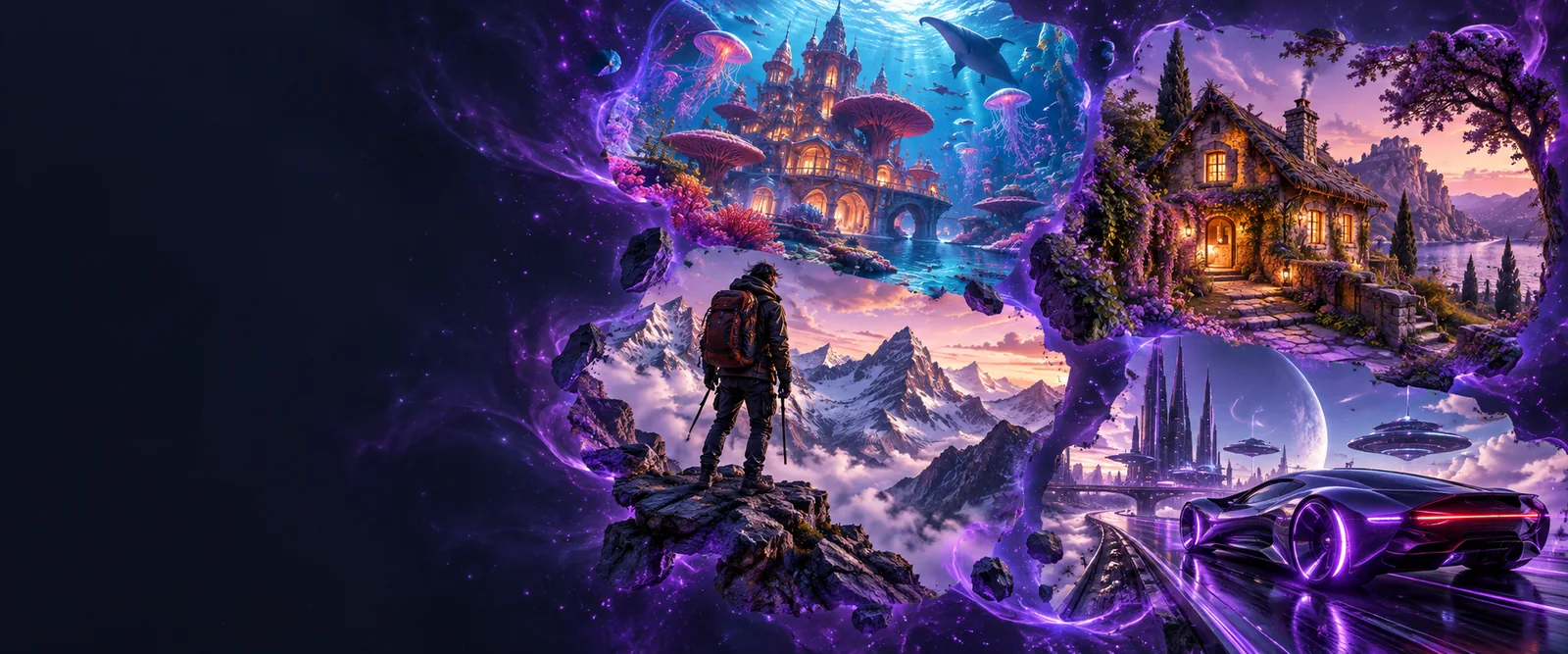
An image contains visual relationships; a prompt needs explicit words. This table shows what to carry across and where interpretation begins.
| In the reference image | In the written prompt | |
|---|---|---|
| Subject | A visible person, object or scene | Name the main subject and its defining visible features. |
| Composition | Placement and relative scale within the frame | Specify framing, viewpoint and where the subject sits. |
| Lighting | Highlights, shadows and apparent light direction | Describe the visible light quality without inventing a source. |
| Color | Dominant hues and contrasts | State a short palette and any important accent color. |
| Style | Visible texture and rendering characteristics | Use concrete terms such as grainy, flat or painterly. |
| Unknowns | Details hidden outside the frame or behind objects | Leave them unspecified rather than presenting guesses as facts. |
Different reference tasks call for different prompt details. Keep what matters to the next image and leave out incidental background.
A reference has a strong silhouette but distracting scenery.
Describe the pose, shape and viewpoint first. The text to image prompt generator starts from a written idea instead of a visual reference.
A photograph shows an object with distinctive materials and reflections.
Record the object, finish and lighting separately. The text to image prompt generator is a related route when those details are already written down.
A mood-board image conveys a palette and composition worth exploring.
Extract those traits without copying incidental objects. The text to image prompt generator focuses on building a prompt from the resulting description.
A reference uses an unusual crop and soft side lighting.
Put framing and light direction ahead of vague mood words. The text to image prompt generator is useful when the brief begins as text rather than an image.
Move from observation to wording, then check the wording against the image before reusing it.
List the main subject and the visible attributes that make the image recognizable. Separate observations from assumptions about location, identity or intent.
Arrange subject, composition, lighting, palette and style into a concise description. An image prompt generator can help organize the wording, but the reference remains your source.
Read the prompt beside the image. Remove invented details, restore important visual relationships and decide which features may change in a new result.
Begin with the visible reference, not a guess at how it was made. Name the details you want to preserve, then revise the draft for your own creative goal. Image Prompt offers a path to continue working on your prompt.
It means using an image as the starting reference for a written image prompt. The useful result describes visible features such as subject, framing, lighting and color; it cannot reveal every choice behind the original image.
A written description cannot preserve every pixel or guarantee an identical result. Treat it as an editable account of the features you want to carry into another image.
Start with the main subject, then add composition, viewpoint, lighting, palette and visible style. Include small details only when they are important to your intended result.
No. Leave uncertain details open, or identify them as choices for a later draft. This keeps the prompt grounded in the reference rather than turning guesses into instructions.